

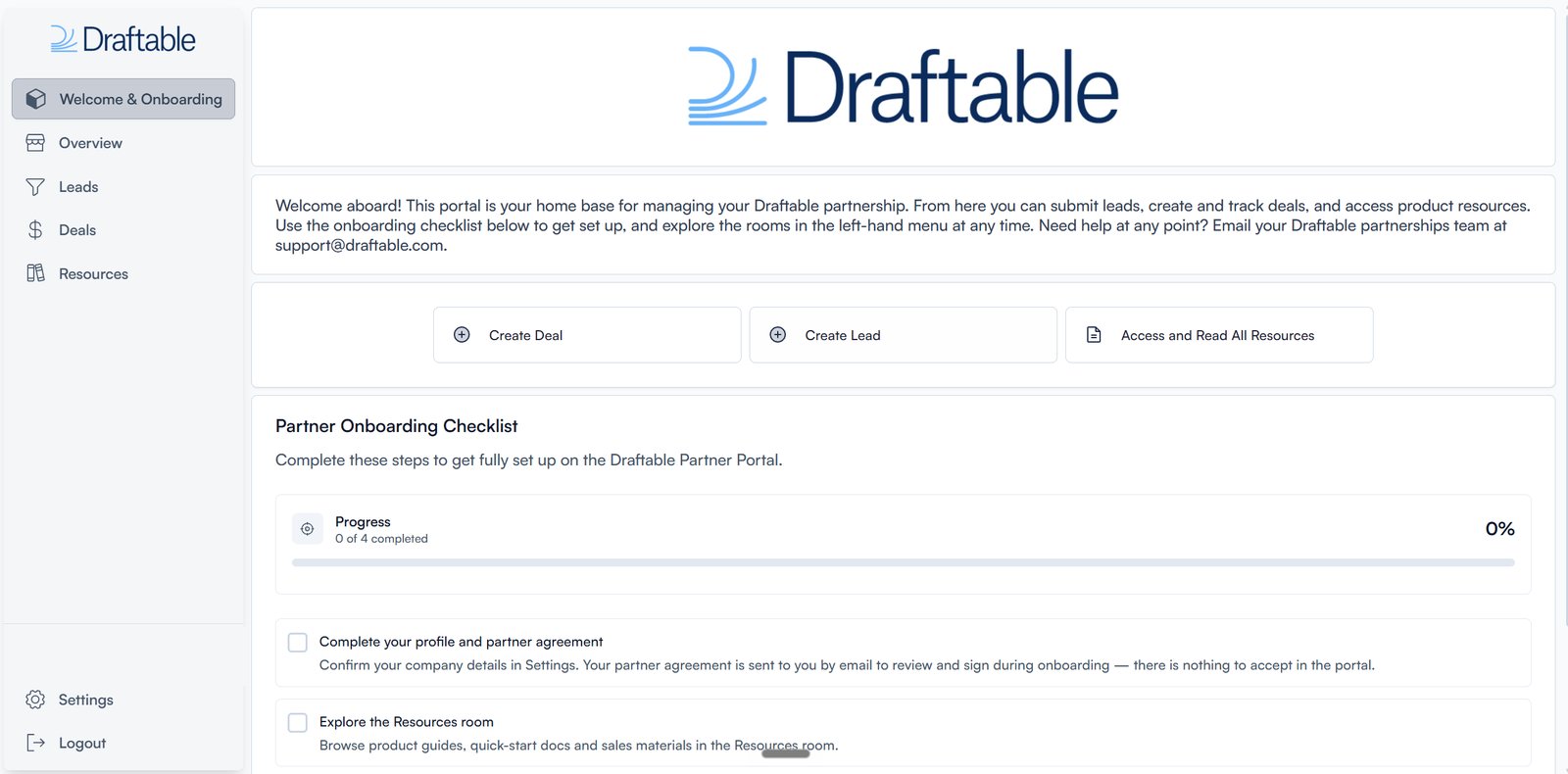
The JourneyBee partner portal — your Draftable partnership at a glance.
What you can do in JourneyBee
See your whole pipeline on the Overview
The Overview is the first thing you land on. It shows every lead you’re working and every deal you’ve registered in one picture, with a performance timeline, your lead conversion rate, and a breakdown of open pipeline, revenue, and deals won. Change the reporting period from the selector in the top right. Nobody has to send you a status update.Create leads and watch them qualify
A lead is an opportunity you’ve spotted but haven’t formalised yet. Create one from the Leads tab in a few fields (company, contact name, email, phone), or import a batch from a CSV. Each lead carries a status the Draftable team updates as they review it, so you can see it move from New to Accepted or Rejected without asking. Open any lead to see its full detail, including the Draftable person assigned to it.Register deals, and keep them current
When a lead becomes a real opportunity, register it as a deal. Deals record the client company, the deal value, the products involved, seat counts, and the stage the opportunity has reached. You can create a deal from an existing lead or start a new one from scratch. Deals aren’t write-once. Edit a live deal as the opportunity changes, add upsells and renewals to an existing client, and move the deal through its stages as you go. Your commission is recorded against each deal, so you always know where you stand.Look things up in Resources
The Resources section is your reference library, organised into four areas:
It’s kept current, so it’s usually faster to look something up here than to book a call.
Why partners like it
JourneyBee removes the friction that usually comes with channel programmes. There’s no chasing a partner manager for a status update, no wondering whether your deal was recorded, and no digging through inboxes for the latest training material. You register the deal, we see it instantly, and both sides work from the same picture.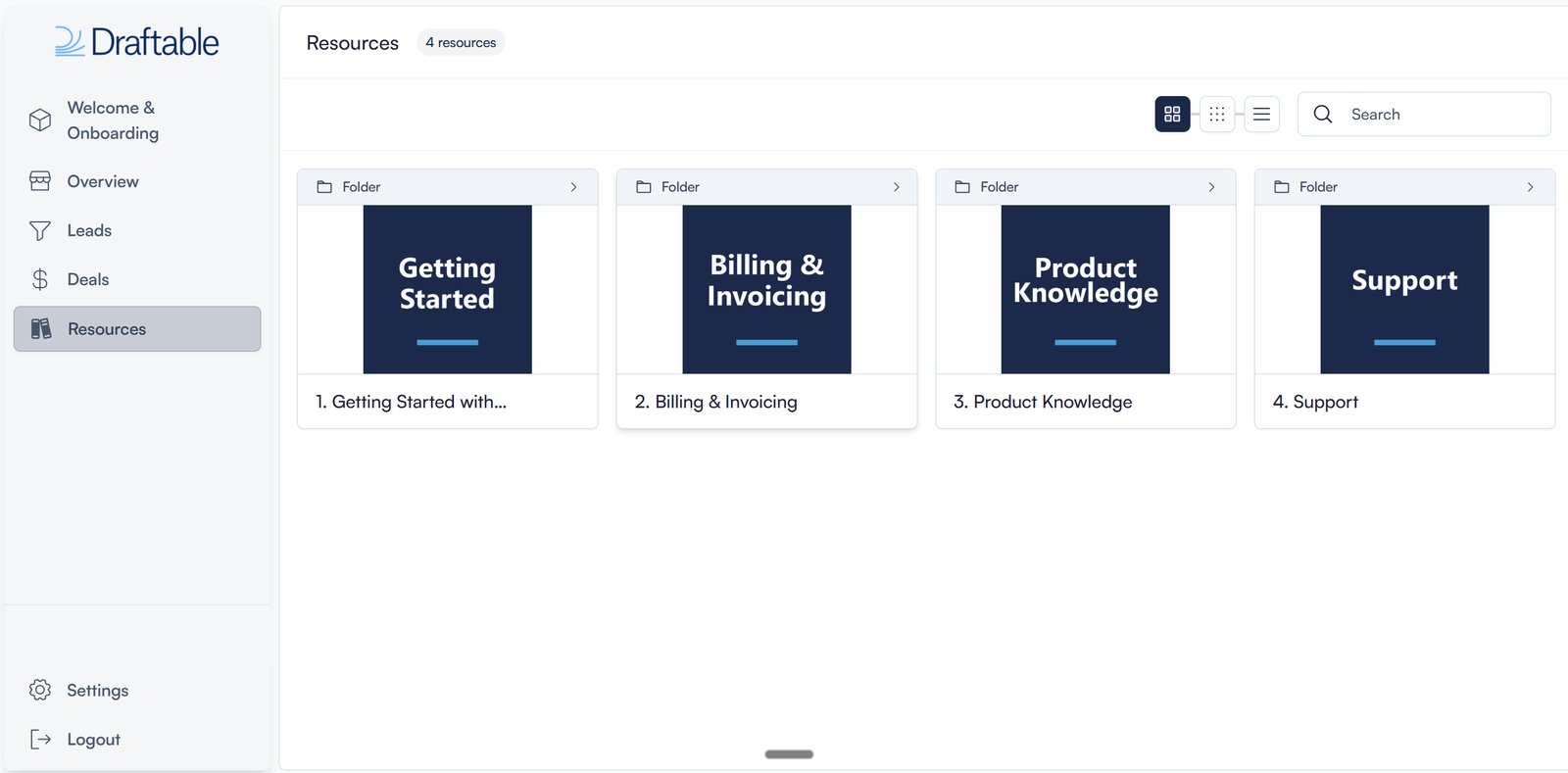
Training and resources — product guides and videos, always current, always in one place.
Signing in
JourneyBee uses a magic link. Enter your email address on the sign in screen and we send you a link that signs you in, so there’s no JourneyBee password to remember. You can also continue with Google or Microsoft if your workspace uses either.Getting access
Workspaces are set up by the Draftable team once your partnership is agreed. To start that process, apply on the partner portal using Apply here on the sign in screen, and then email sales to tell us you’ve applied. Both steps matter: the application records your details, the email tells our team to look for it. Once your partnership is agreed, we create your workspace, invite your users, and the onboarding checklist on your Welcome page walks you through the rest.Full detail on the programme and the two-step application is in
Why partner with Draftable.