

Draftable Business 26.6 changed how you open the Settings menu from the New Comparison window. If you are on 26.6 or later, follow the “26.6 and later” tabs below. On earlier versions, follow “Before 26.6”. To check your version, open Settings. The version number shows at the bottom-left (for example, v26.6.0).
- Default theme: Deletions appear red, insertions are green, and moves are blue.
- Legacy theme: Deletions appear red, insertions are blue, and moves are green.
How to change the current markup theme
- Firstly, we need to open the settings menu, this can be done in a few ways:
1
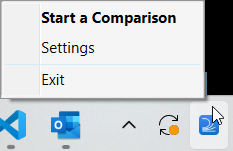
Open settings via the Taskbar
- Right-click the Draftable icon in the taskbar
-
Select Settings as the 2nd option
2
Or, open the settings menu via the New Comparison Window
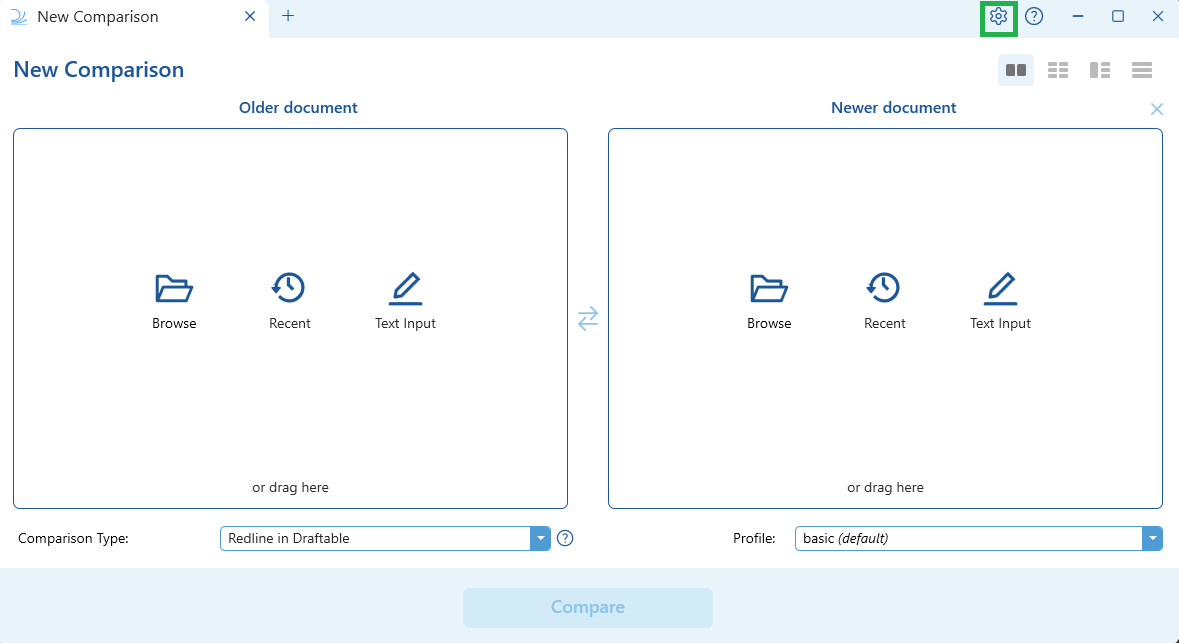
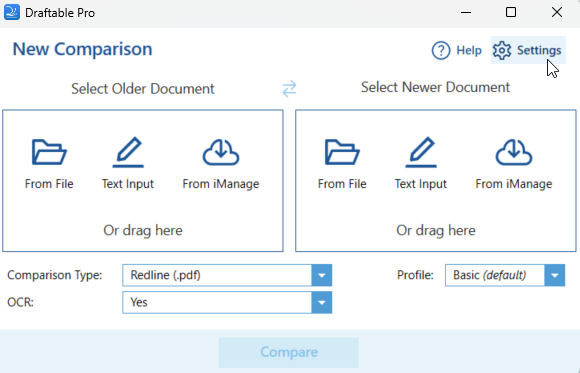
- Open the New Comparison window
-
Select Settings in the top right of the window
- 26.6 and later
- Before 26.6
3
Once the settings menu is open, navigate to the Side by Side section 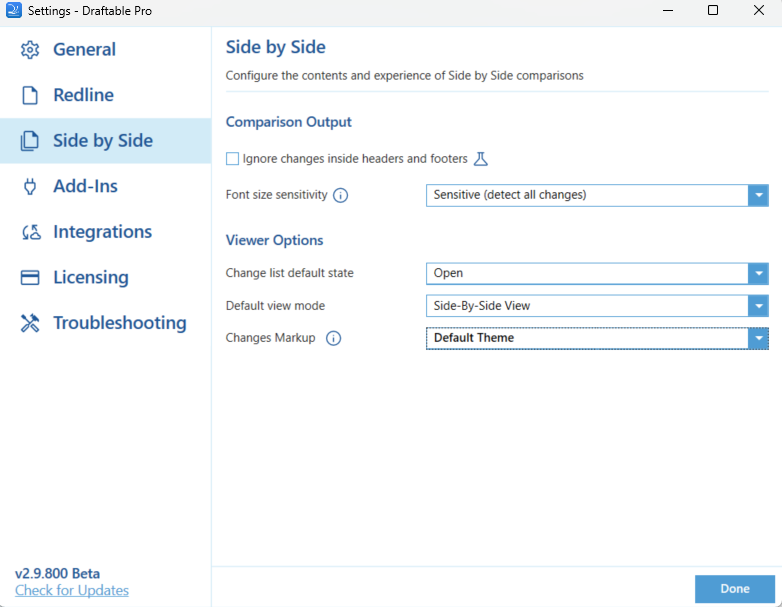
4
Under Viewer Options, select the drop down box next to Changes Markup and select Done once you have finalized your choice.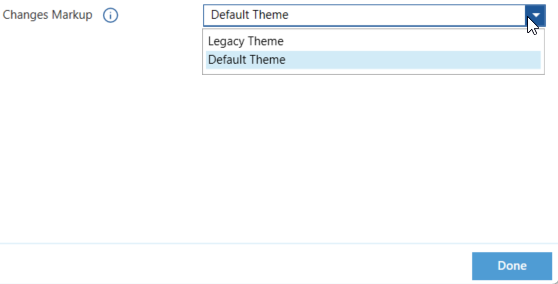
5
Run a new comparison, and you will see your selected theme appear.