

Please note:Only registry keys have the option to configure the email address that is sent by default for these error messages.
Group Policy Objects
Before configuring group policy, ensure you are using the latest group policy template files, which can be found here. To configure the error message settings via Group Policy, see each of the objects below.Configure Custom Error Message
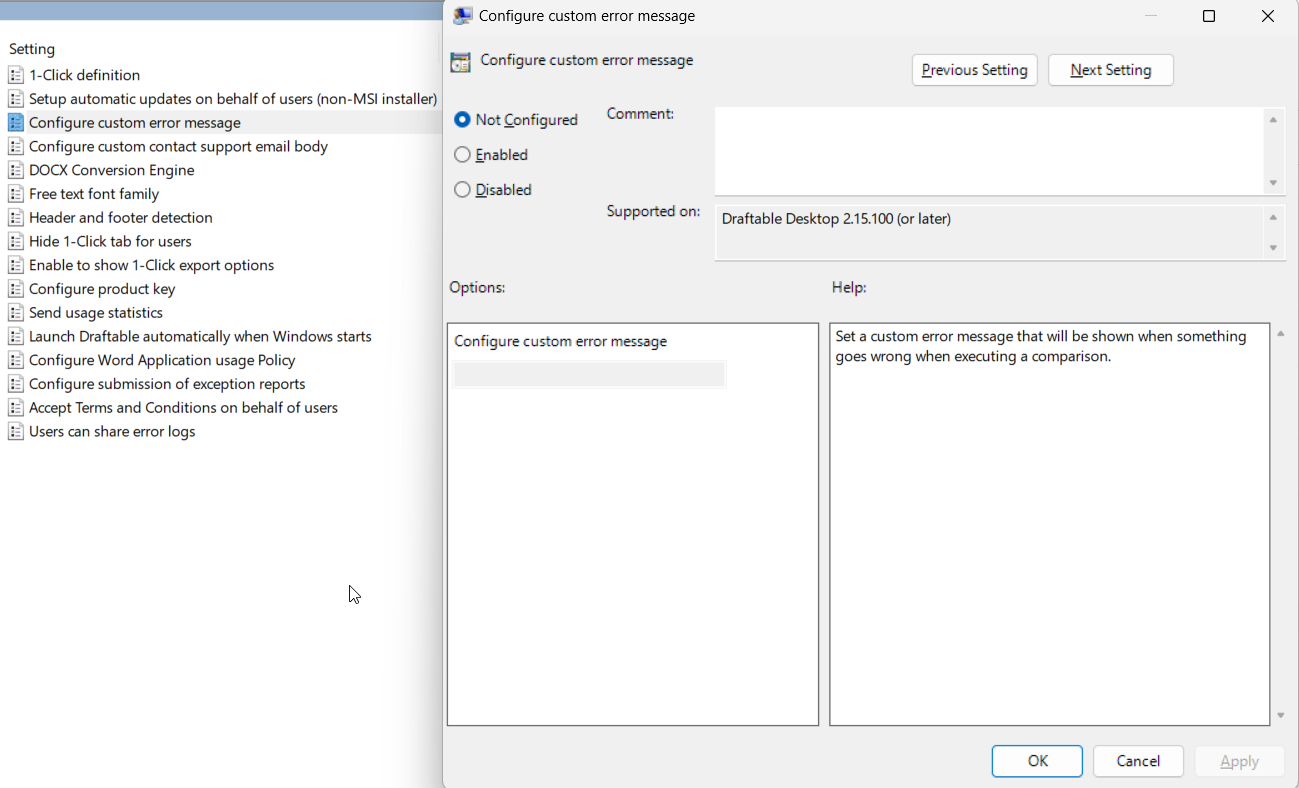
This group policy object allows you to set a custom error message that will be shown when an error occurs. Policy Location: User Configuration > Administrative Templates > DraftableObject Name: Configure custom error message
Description: Set a custom error message to show for users when there is an error when executing a comparison.
Configure Custom Contact Support Email Body
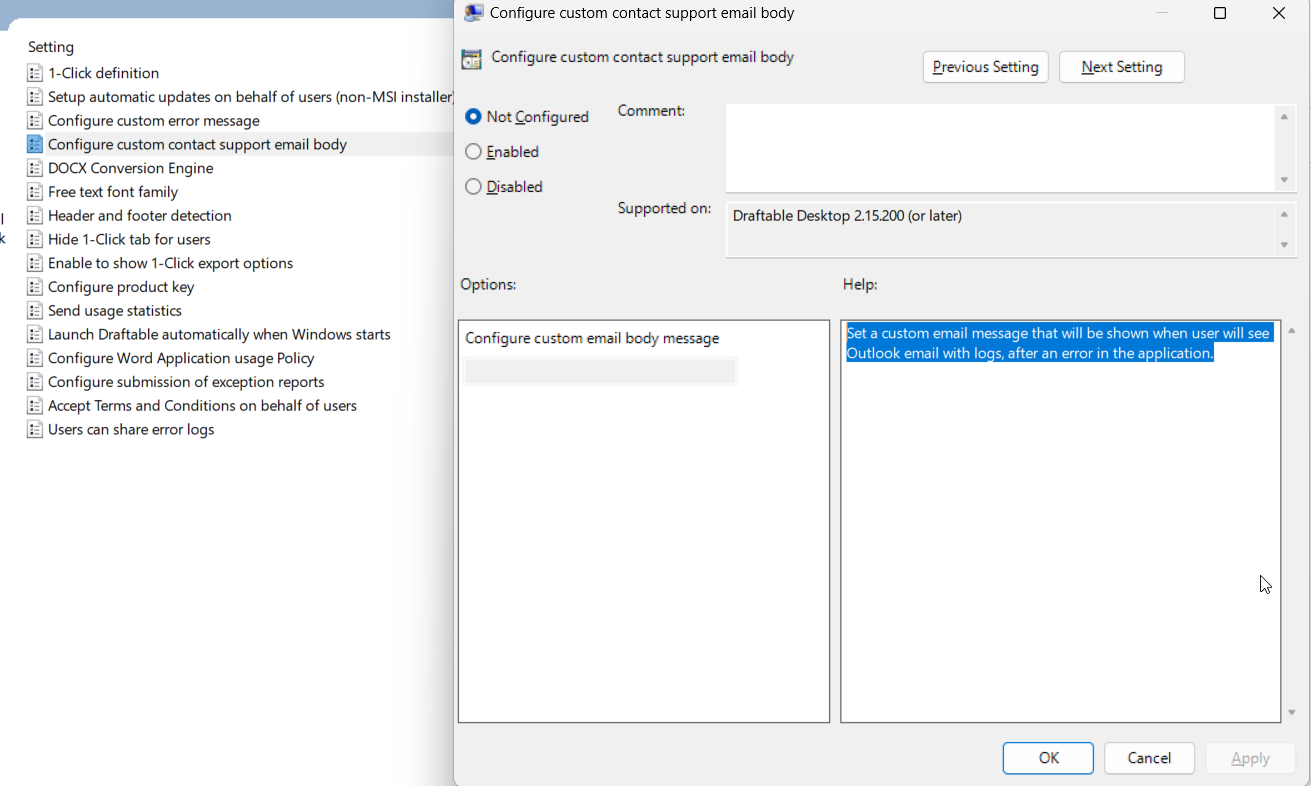
This group policy object sets the response body of the email that users can send when prompted with an error. Policy Location: User Configuration > Administrative Templates > DraftableObject Name: Configure custom contact support email body
Description: Set a custom email message that will be shown when the user sees Outlook email with logs, after an error in the application.
Never share obfuscated documents
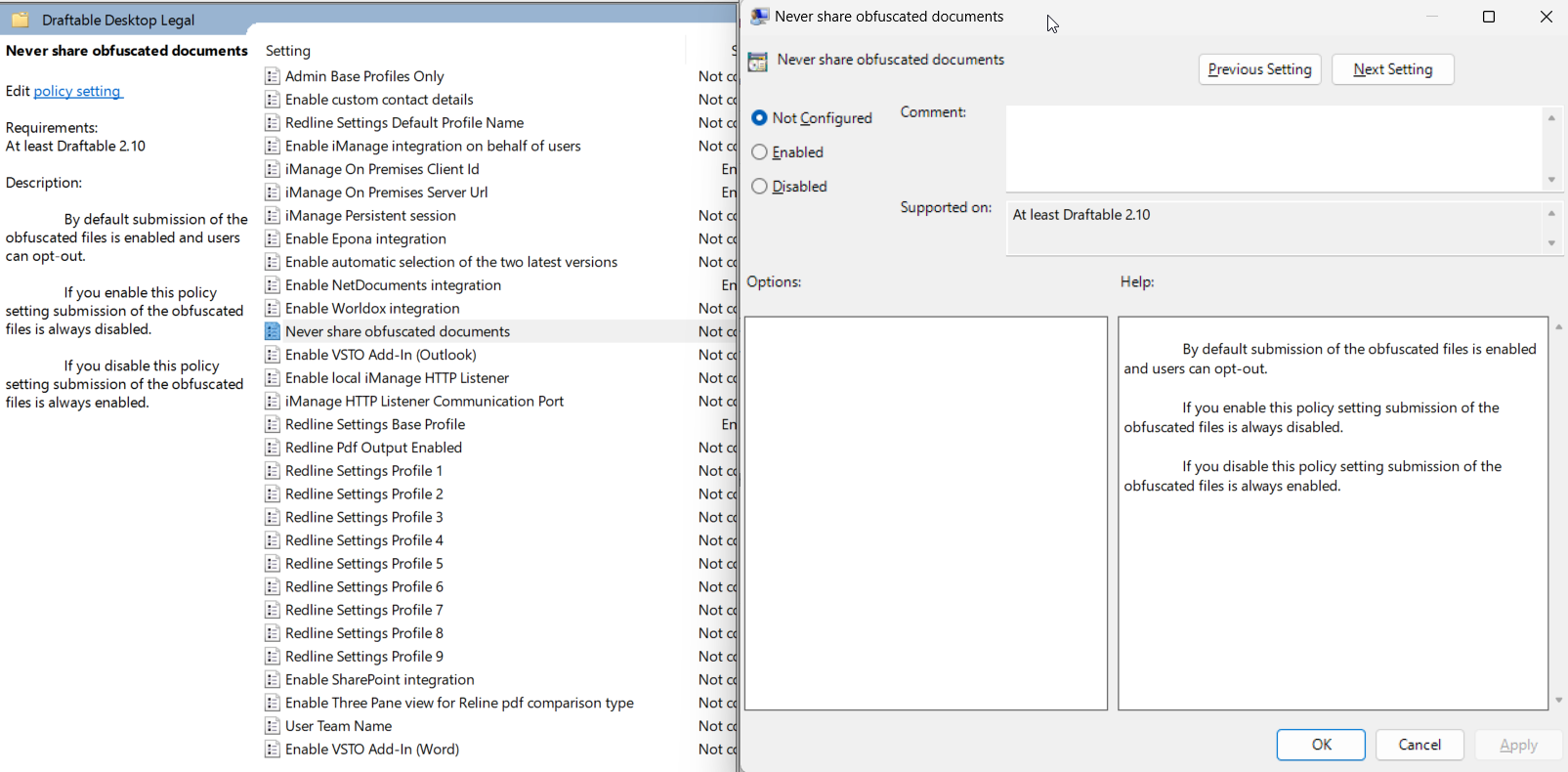
This group policy object sets the behaviour for sending/sharing obfuscated documents when sending emails for unable to compare error messages.From version 26.6, the document obfuscation feature is called Create safe file for sharing in the app (under Help & Troubleshooting → Diagnostics). This policy and its registry value name (
NeverShareObfuscatedDocuments) are unchanged.Object Name: Never share obfuscated documents
Description: Set this policy to be enabled, which means that obfuscated document submission is always disabled, or set the policy to disabled to ensure that documents sent via error messages are always obfuscated.
Users can share error logs
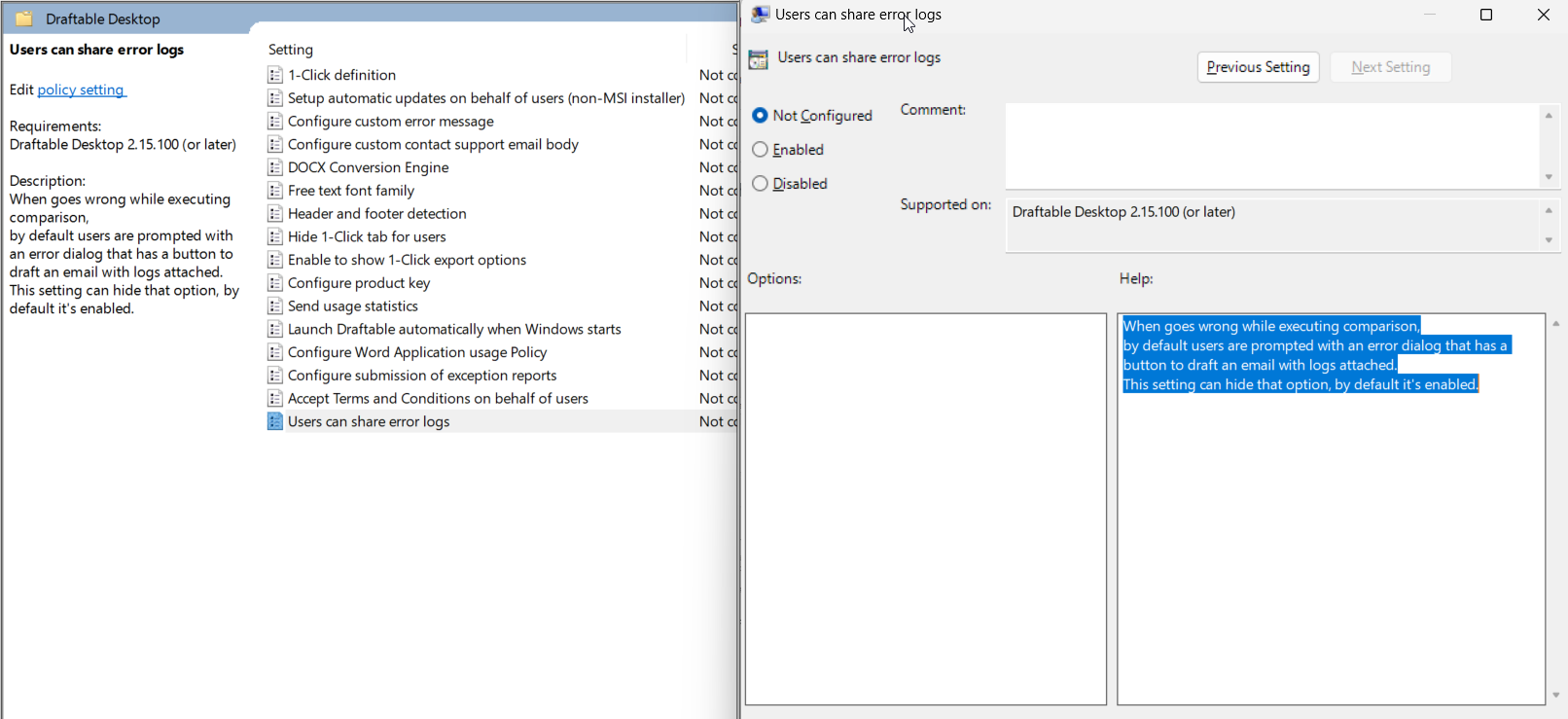
This group policy object sets global policy whether a user can share error logs. Policy Location: User Configuration > Administrative Templates > DraftableObject Name: Users can share error logs
Description: Enabled means that users can share error logs, disabled means that users cannot share error logs.
Registry Keys
All registry keys should be created under Computer\HKEY_CURRENT_USER\Software\Draftable\Feature and should be of type REG_SZ. If the key does not already exist, you can simply just create it.Please note:For system-wide configuration, it is highly recommended that you place the registry keys under Computer\HKEY_LOCAL_MACHINE\Software\Policies\Draftable\Feature